
Your team's hours, and the AI spend.
Two questions get asked about a project, and they take two answers. Hours are what your team put in: clocked while the work is happening, or typed in afterwards. What the AI agents did is counted as spend instead, one line for every model call and what it cost. The two sit beside each other and are never added together, because what an hour of a human's time is worth against an hour of a machine's is a judgement, not a measurement, and this record does not make it for you.
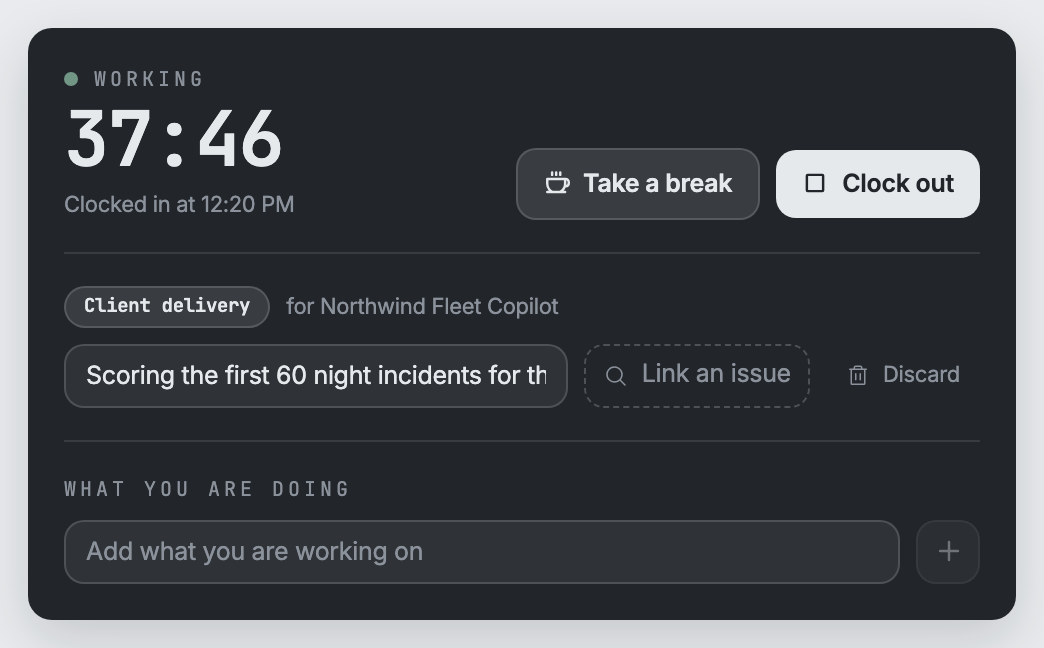
A clock that does not tick
Clock in, take a break, clock out. Nothing is counting anywhere: the time is worked out from when you started, whenever somebody looks. Close the tab, pick it up on another machine, let the laptop go to sleep, and nothing changes. Clocking out writes a draft that you read and submit yourself. It never submits on your behalf.
- An hour you type in afterwards is your word for it. An hour the clock timed is a measurement. Each row says which it is.
- Under thirty seconds is thrown away rather than logged, and a single entry stops at sixteen hours, so a timer somebody forgot cannot write a whole week.
Three ways to start it, one clock
Press Clock in on the Hours page. Type one command in the terminal where the work is happening. Or tell your own connected AI agent to start it when it begins a job for you. All three reach the same clock, so a clock started in the terminal can be paused on the page and stopped by the AI agent.
- When your AI agent starts or stops the clock, the hours are yours. They land on your timesheet as your draft, assigned to you, and you still read and submit them.
- Every start, break, and stop is assigned to the AI agent that did it and the human it did it for, so an hour you recorded and an hour your AI agent recorded can be told apart later.
- Your AI agent knows whose hours these are from its own sign-in, which names the human it works for. Nothing it sends can put hours on somebody else's sheet.
- An AI agent can record hours. It cannot approve them, not yours and not anyone's. Signing off is a human's act.
Nobody approves their own hours
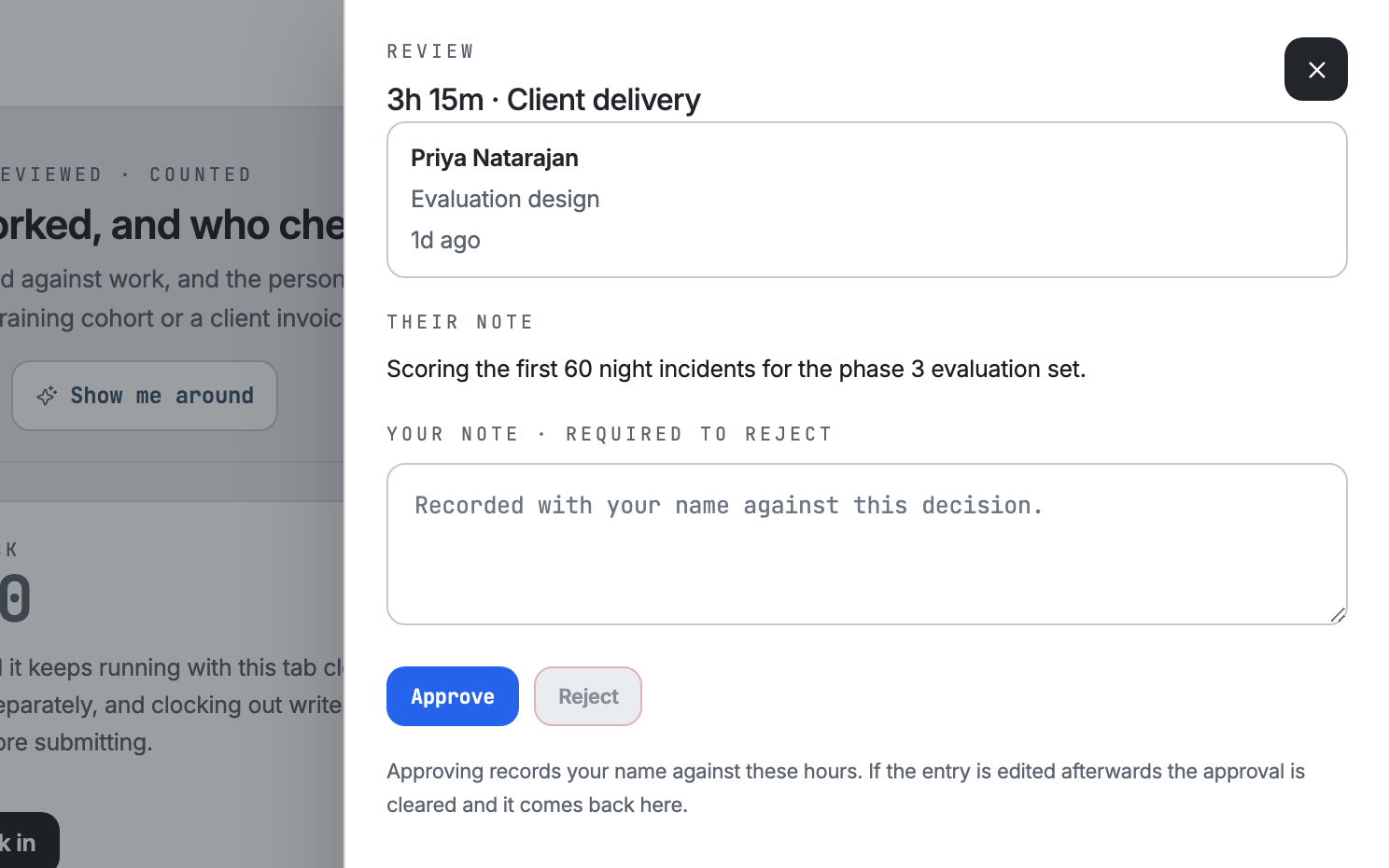
Submitted hours go into somebody else's queue, and the platform refuses to let anyone approve their own, whatever their job title. Your own AI agent counts as you here: it cannot approve your hours either. That costs a wait, and it is the only reason a total means anything: approving assigns those hours to the reviewer who said yes.
- Hours still waiting on a reviewer are shown beside the totals, never inside them.
- Edit an hour that was already approved and it loses that approval and goes back for review.
What it is, and what it is not
Hours are the one measure of human effort here that is not a stand-in for something else: a human wrote them down and a reviewer approved them. Today this is for your own team only. Hours are not shown to your clients, and they do not turn themselves into an invoice.
Ask how the hours record fits your engagement.